

Opening
a cryptowallet
a cryptowallet
With Crypto Wallet, you avoid banking nonsense. Payments can not be reverted, suspended, or declined. Accounts can not be blocked. No cross-border control and fees. Storage is secure and free. No subscription fees of any kind. No payment limits; no maximum daily or monthly amounts.
Manage your Bitcoin, Ethereum, XRP, Litecoin, XLM, and over 300 other coins and tokens.
Manage your Bitcoin, Ethereum, XRP, Litecoin, XLM, and over 300 other coins and tokens.

Tutorial
Let's look at an example of opening a popular crypto wallet among players, the Trust Wallet. You can use any crypto wallet available on the Internet. But before using any crypto wallet, we strongly suggest that you familiarize yourself with its full description and characteristics on the official website in detail and choose the one that suits you. Always do your own research. We are not responsible for the use of Trust Wallet and its correct operation. The information collected on this page is for informational purposes only.
1
Make a
Crypto Wallet
Crypto Wallet

2
Buy Cryptocurrency

3
Enjoy Crypto
Gaming
Gaming
Opening a cryptowallet
Step 1
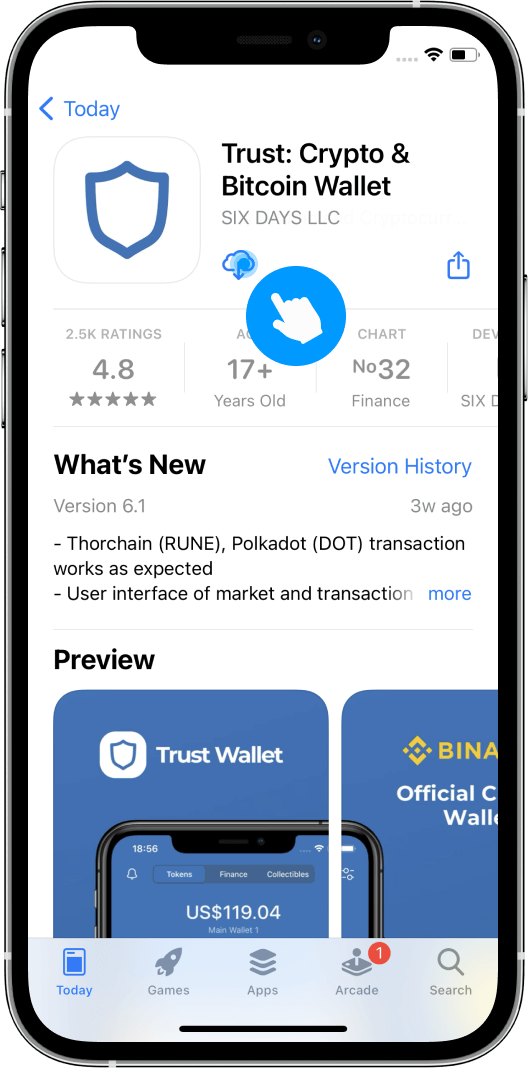
Download the app
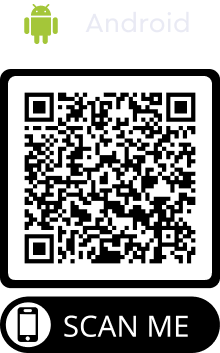
Download the official Trust Wallet app for iOS or Android. More information about this can be found on www.trustwallet.com




Step 2
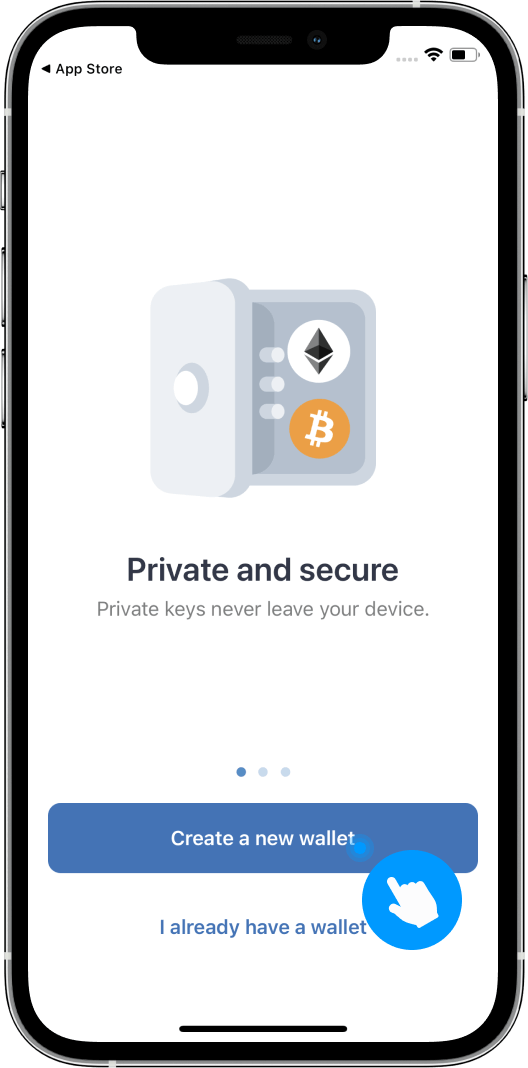
Create a wallet
Open the app and press the 'create new wallet' button
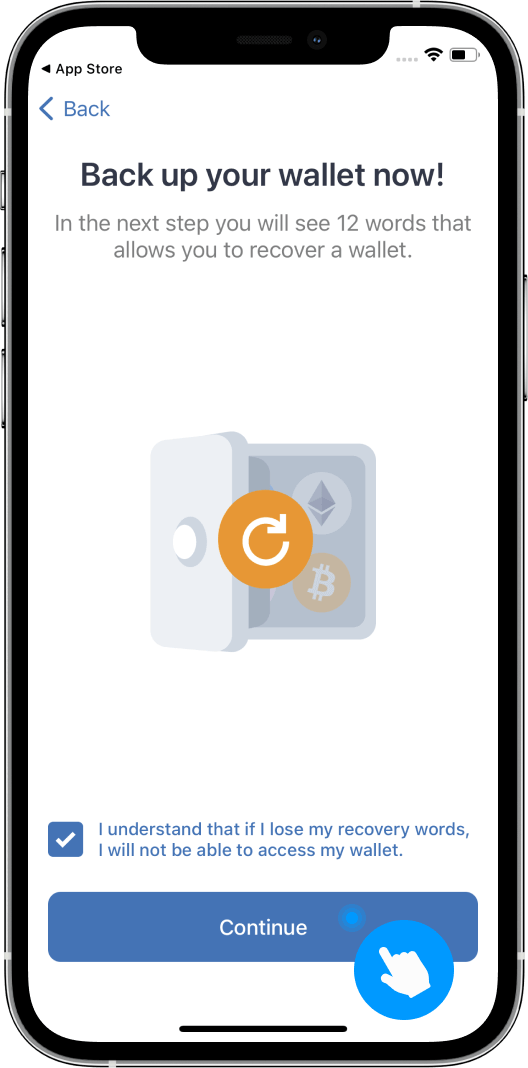
Step 3
Create a backup copy of your wallet
Agree to the use of that specific method. This will be helpful in the case where you delete the app or you lose your device. Press the 'Continue' button
Step 4
Enter the security phrase should you need to recover your wallet
Copy your security phrase so that you have it should anything happen to your app or device.
Press the 'Сontinue' button
Press the 'Сontinue' button
Never share your security phrase and don't give anybody else access to it. Keep it in safe hands!
Step 5
Confirm the phrase
Once you have arranged the phrase in the correct order, press 'Сontinue'.
Ready
Your wallet has been created
Congratulations!
You have created your very own crypto wallet. To continue, press the OK button.
You have created your very own crypto wallet. To continue, press the OK button.
Buy cryptocurrency
Step 1
Select a cryptocurrency
Click on the wallet with your preferred crypto currency
Step 2
Proceed with your purchase
Press the 'buy' button
Step 3
Open the list of providers
Take a look at the list of providers, press"continue"
Step 4
Select the preferred provider
You can use any provider you like, based on their terms and conversion rate.
Step 5
Finalize your purchase
Enter the amount you would like to buy press "continue".
Step 6
Fill in the details and complete the purchase.
Enter the details based on the provider’s terms. Familiarize yourself with their rules and privacy standards.

